League guide

How to track NFL
ticket prices
into kickoff

How resale prices and listings move in the last week before a game, what each marketplace adds in fees, and how to collect and clean the data.

League
NFL
Updated
November 4, 2026
For
Brokers, analysts, developers
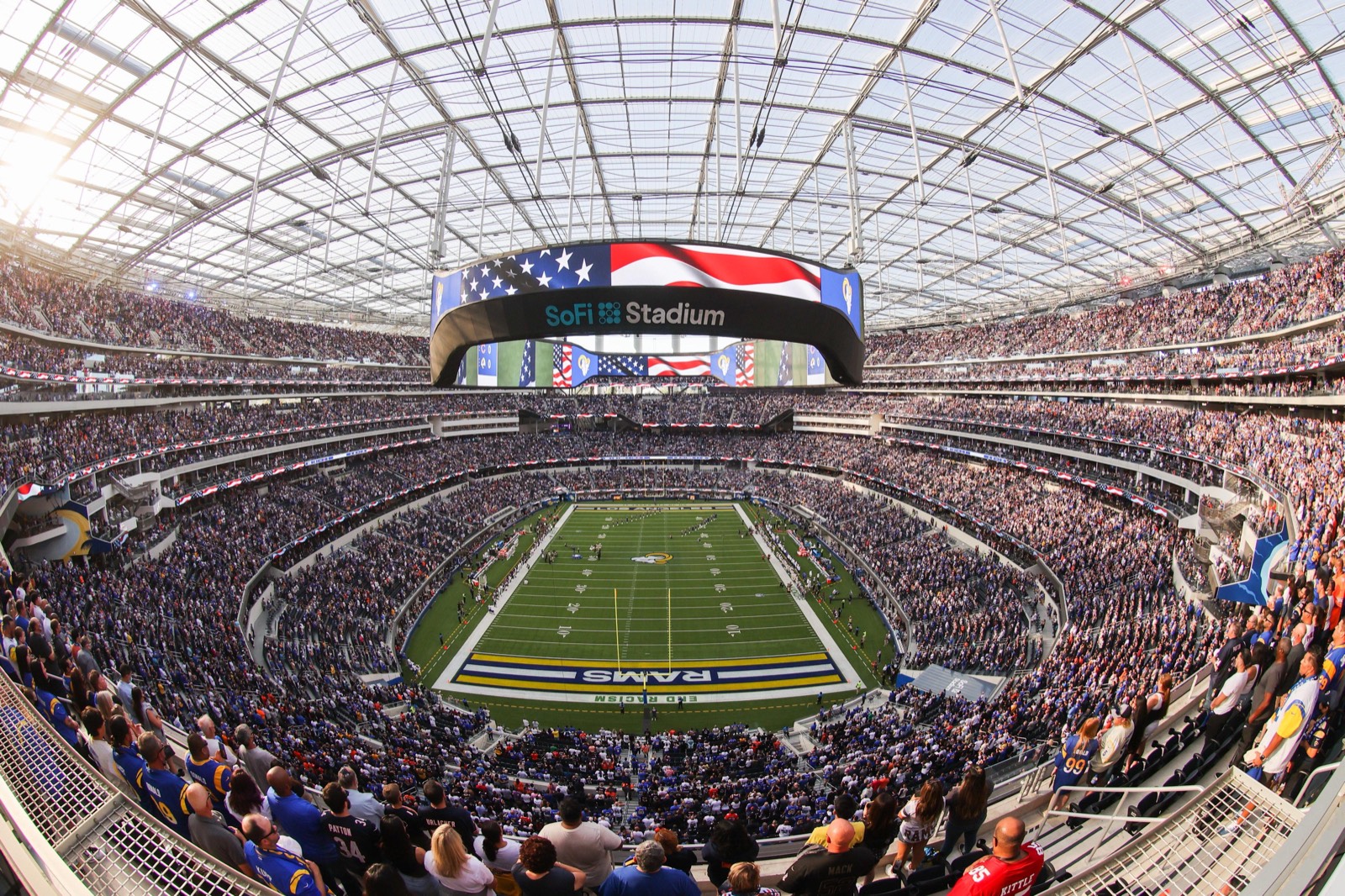
SoFi Stadium filled for an NFL game
  1. 100%7d
  2. 93%5d
  3. 82%2d
  4. 72%12h
  5. 70%Kickoff
Lowest price into kickoff
How far the cheapest seat falls
20% to 45%

From a week out to kickoff. Least on TickPick, most on StubHub and viagogo.

When it falls
The last 3 days

Little moves before then. Tickets listed drop only on game day.

What fees add
0% to 38%

Vivid Seats adds the most. StubHub, TickPick and viagogo show none apart.

Which marketplace is cheapest
It changes

TickPick most often. Ticketmaster about twice as often on game day.

Step 1 of 5

Know who sells it

Ticketmaster lists mostly resale for NFL games. Seven more marketplaces carry the same games, each with its own fees.

MarketplaceWhat the captures showFee on top
TicketmasterMostly resale, some primary19–20%
SeatGeekMostly resale, some primary19% resale, 31% primary
TickPickResaleNone shown apart
StubHubResaleNone shown apart
Vivid SeatsResale38%
GametimeResale15%
GoTicketsResale11%
ViagogoResaleNone shown apart

Step 2 of 5

Match one game everywhere

Each marketplace has its own id and its own name for the same game. Join on the teams and the date.

FieldAcross marketplacesWhat to do
Event idDifferent on every marketplaceNever join on it across marketplaces
Event nameWorded by each marketplaceMatch on both team names, in any order
KickoffSame game, same date everywhereKey on the date plus the two teams
ExtrasParking passes list as their own eventsDrop anything that isn't the game

Step 3 of 5

Watch four signals

What repeated captures of NFL games show in the week before kickoff, and the move each one calls for.

The cheapest seat drifts, then drops in the last three days

Across Ticketmaster, SeatGeek and TickPick, the lowest price sits within about 7% of its week-out level until three days before kickoff, then falls to about 70 to 75% of it. StubHub, viagogo and Gametime fall further, to about 55 to 70%, on thinner samples.

Do: Capture every couple of days until the final three, then every few hours. Compare each game against its own week-out price, not against other games.

  • stats.getInPrice
  • capturedAt
  • eventDateUtc

Listings thin out only on game day

Tickets listed stay close to their week-out level until the final day, then fall to roughly a third to a half of it in the last six hours, on every marketplace.

Do: Don't read the game-day drop as sell-through. Listings can expire, get pulled, or move marketplace. Track listing ids if you need to tell a price cut from a removal.

  • stats.ticketCount
  • listings[].listingId
  • listings[].quantity

The cheapest marketplace changes, especially on game day

Matched hour by hour, TickPick holds the lowest all-in price most often. On game day Ticketmaster's share of the lowest price roughly doubles, and viagogo takes it more often too.

Do: Capture at least three marketplaces in the same hour before calling a price the market low. One marketplace's get-in is not the game's.

  • listings[].totalPrice
  • source
  • capturedAt

Fees decide the ranking

On top of the listed price, Vivid Seats adds about 38%, Ticketmaster about 19 to 20%, SeatGeek about 19% on resale and more on primary, Gametime about 15% and GoTickets about 11%. StubHub, TickPick and viagogo show no fee apart from the price.

Do: Rank on the all-in total, never the listed price. A seat that looks cheapest on Vivid Seats is often not.

  • listings[].ticketPrice
  • listings[].fee
  • listings[].totalPrice

Step 4 of 5

Clean before you compare

Rules for the game list and for the listings. Skip one and the comparison is off.

Games

  • Match on teams and date.Each marketplace has its own event id and its own name for the game.
  • Drop parking and add-ons.Parking passes and other add-ons list as separate events.
  • Keep preseason apart.Analyze preseason games separately from the regular season.
  • Mark international games.Games played abroad sell to a different crowd. Don't pool them with home games.

Listings

  • Compare all-in prices.Fees run from none shown to about 38%. Rank on the total.
  • Quote get-in by quantity.Most listings are one or two tickets. The cheapest pair isn't the cheapest four.
  • Removals aren't sales.A listing can vanish because it sold, expired at kickoff, or moved.
  • Dedupe cross-listed seats.Brokers list one pair on several marketplaces. Match on section and row before summing.

Step 5 of 5

Set up the collection

Spend captures where prices move: lightly until three days out, then every few hours. Each capture is one game on one marketplace.

Every game
Every 2 days
Daily
Every 4 hours
Each tick is a capture of one game on one marketplace. Spacing shows the rhythm, not exact counts.
SetupCaptures a monthPlan
One team's home games, every marketplaceAbout 2 home games a month × 8 marketplaces400Starter, $50/mo
Every game, three marketplacesAbout 65 games a month × Ticketmaster, SeatGeek, TickPick4,875Developer, $300/mo
Every game, every marketplaceAbout 65 games a month × 8 marketplaces13,000Production, $1,000/mo

Find a team's games, with each marketplace's id and link

curl "https://api.tickets.dev/v1/events?query=chiefs" \
  -H "x-api-key: $TICKETS_API_KEY"

Capture one of them: every listing, priced all-in

curl "https://api.tickets.dev/v1/capture/seatgeek?url=<event url>" \
  -H "x-api-key: $TICKETS_API_KEY"